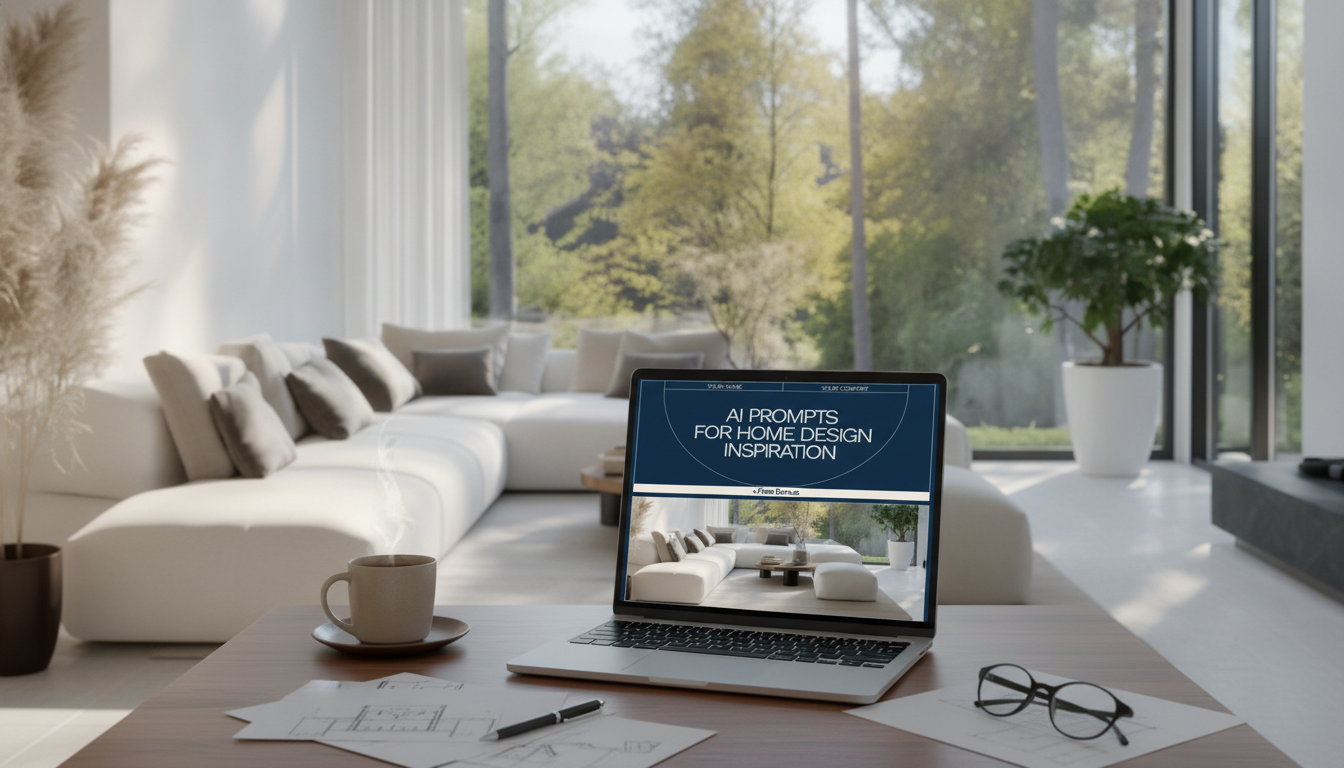
Fresh home design ideas are easier to explore when a simple system turns vague preferences into clear visuals and actionable directions. This digital guide is built for quick experimentation across layouts, styles, color moods, and room concepts—so choices feel more confident before spending time or money on materials and furniture. Use it to generate multiple options fast, refine what looks right for the space, and translate the best results into a practical plan for a living room, bedroom, kitchen, office, or small space refresh.
When you’re staring at an empty corner (or a room that “almost works”), the hardest part is deciding what to try first. A structured inspiration system helps you produce options that are different in meaningful ways—without drifting into unrealistic, unbuildable ideas.
For style credibility and practical planning, it helps to sanity-check ideas against established references and real-world constraints. Professional inspiration hubs like ASID and project galleries on Houzz make it easier to confirm proportions, finishes, and room standards.
Good results come from a repeatable workflow. The goal is to move from “I like cozy modern” to “I’m choosing this layout, this palette, and this lighting plan”—without second-guessing every step.
Lighting is often the fastest “upgrade” lever because it shifts mood and usability immediately. For guidance on efficient bulbs and practical lighting choices, the U.S. Department of Energy lighting guide is a solid reference.
Clear inputs lead to clear outputs. The most helpful structure is: room type + viewpoint + constraints + finishes + lighting mood + what to avoid.
| Design goal | Instruction template to paste and customize | Best for |
|---|---|---|
| Improve flow | Create a [room type] layout in a [style] with clear walkways, seating oriented to [focal point], and a balanced furniture scale for a [room size]. Materials: [wood/metal/textile]. Lighting: layered, warm. | Awkward layouts, open-plan zones |
| Maximize storage | Design a [room type] with integrated storage: [built-ins/closed cabinets/bench storage], minimal visual clutter, and a cohesive palette. Emphasize functional zones: [work/relax/dine]. | Small homes, families, multipurpose rooms |
| Make it feel larger | Create a bright [room type] with airy proportions, light-reflective finishes, slimmer furniture profiles, and simple window treatments. Keep décor minimal and add one focal element. | Narrow rooms, low light spaces |
| Update style without renovation | Refresh a [room type] using paint, lighting, textiles, and accessories only. Maintain existing floors and major furniture; propose new palette, rugs, art, and accents in [style]. | Renters, quick makeovers |
Once the structure is set, it’s easier to generate ideas that match how each room actually gets used.
Personality doesn’t require a dozen competing finishes. Cohesion comes from repeating a few intentional choices until the room reads as one story.
Any tool that accepts written instructions for text-to-image or room visualization can work well. Try a few and compare results using the same room size, materials, and lighting notes until the output matches your preferred look.
Yes—studios, small rooms, and rentals often benefit the most from layout testing and lighting changes. Focus on flexible furniture, smart storage, textiles, and removable updates (like peel-and-stick treatments and swappable fixtures where allowed).
A practical range is 6–12 variations, then narrow to 2–3 favorites. Refine those finalists with more specific palette, materials, and lighting details to make the direction feel realistic and shoppable.




Leave a comment